
Visit Records
A private record for each visit: what you did, products used, and the details your work needs, like color formulas, nail and lash details, tattoo placement, massage focus or training progress.
Let clients book shaping, tinting or lamination online, keep patch tests and brow maps on file, and send aftercare by email after every visit.
Cosmic Creators is getting ready for its public launch. You can create an account and build your site now. Online card payments go through your own Stripe account.
Pick what you do when you sign up and these switch on in your dashboard. Only you and your team see them, and you can turn any tool off in Settings.
A private record for each visit: what you did, products used, and the details your work needs, like color formulas, nail and lash details, tattoo placement, massage focus or training progress.
Everything a brow visit needs in the booking window. Drag the start, arch and tail of both brows on a brow map, add measurements in millimeters and see the symmetry, then copy or compare it next time.
A lash map that draws itself while you type: pick the style (natural, cat eye, doll, squirrel, kitten, open eye), the set type and how many zones, then the length, curl, thickness and fan size of every zone, and the drawing of both eyes changes as you go.
Shaping, tinting and lamination each get their own length and price, and add-ons let clients combine them.
The Brow Studio tool keeps patch-test records on each client, along with tint and lamination details.
Save a brow map for each client so you can repeat the shape they love.
Send aftercare after a tint or lamination so clients know what to avoid for the next day or two.
More than 40 themes to start from, then change the colors, fonts and pictures any time. These use made-up businesses, services and prices.
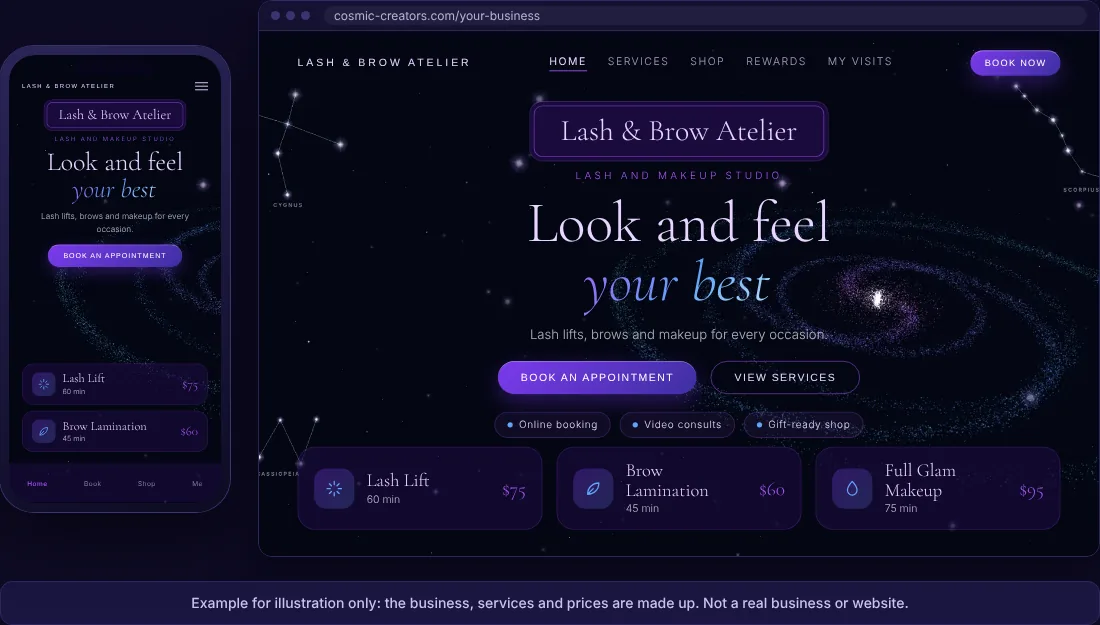
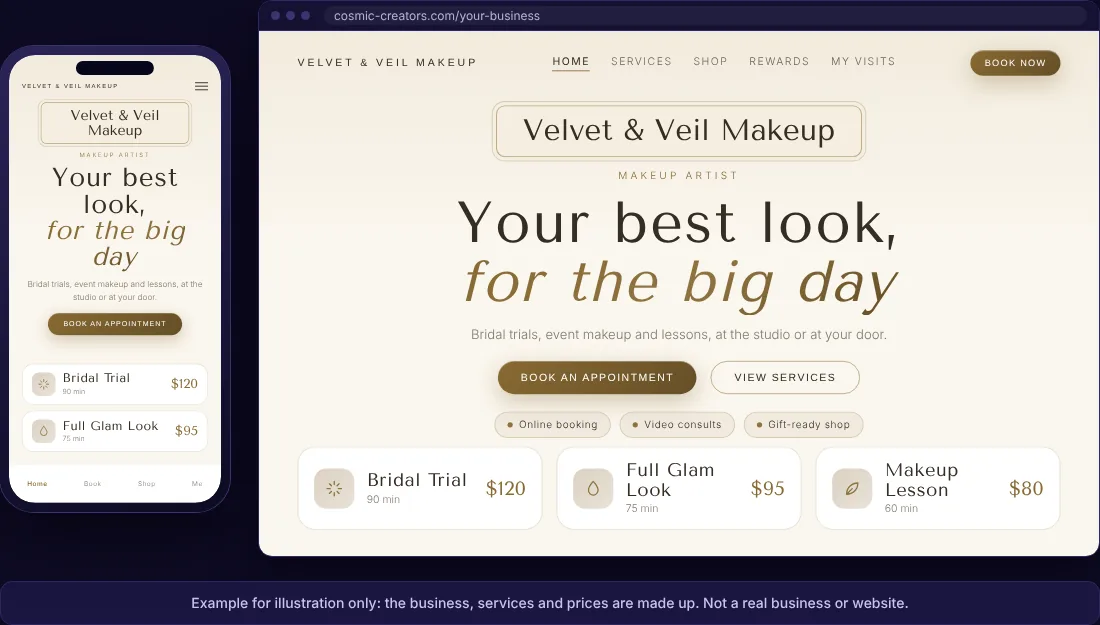
A site at cosmic-creators.com/your-business with a look you choose and change any time.
Set a deposit on each service and write your cancellation rules. Clients see them before they book. Card payments go through your own Stripe account.
A confirmation with a "change or cancel" link, then email reminders the day before and two hours before.
Clients sign online before the visit, and each signed copy keeps the exact words they agreed to.
Book a visit every 1 to 4 weeks, for 2 to 52 visits or until a date. Each date is checked first so you never double-book.
Sell products with stock counts, for pickup or shipping.
Brow tools are for your records: clients do not see a brow page of their own. Microblading and permanent makeup artists can choose Permanent makeup at sign-up. Licensing is your responsibility.
Your site opens to clients when you choose Go live, once your plan is started and you have agreed to the agreements for your kind of business. Until then you can set everything up in your dashboard.
Yes. The Brow Studio tool records patch tests, tints and lamination details on each client.
Yes. Choose Permanent makeup when you sign up to get the tools that fit that work, such as consultation requests and aftercare.
Yes, if you offer both. Clients can pick add-ons or book two services.
Your booking page tells Google and AI tools your business name, town, services, prices and hours. In your dashboard, Analytics → Get Found on Google lists the searches to aim for, such as "brow artist" and "brow lamination" with your town, "local" and "near me" searches and "mobile" ones if you travel, and helps you write for them. Where you show up also depends on your Google Business Profile and reviews, so no one can promise a spot.
No. You can take deposits and payments through your own Stripe account, record cash, Zelle, Cash App or Venmo yourself, or take bookings with no payments. card payments go through your own Stripe account.
No. Clients book as a guest from your link. The Client Portal is optional.
Set up your business, pick a look and share your link. Plans, prices and any free trial are always shown on the home page.