
Visit Records
A private record for each visit: what you did, products used, and the details your work needs, like color formulas, nail and lash details, tattoo placement, massage focus or training progress.
Give every tech their own calendar and hours, make sure two clients never get the same pedicure chair, and see sales, tips and commission for each person.
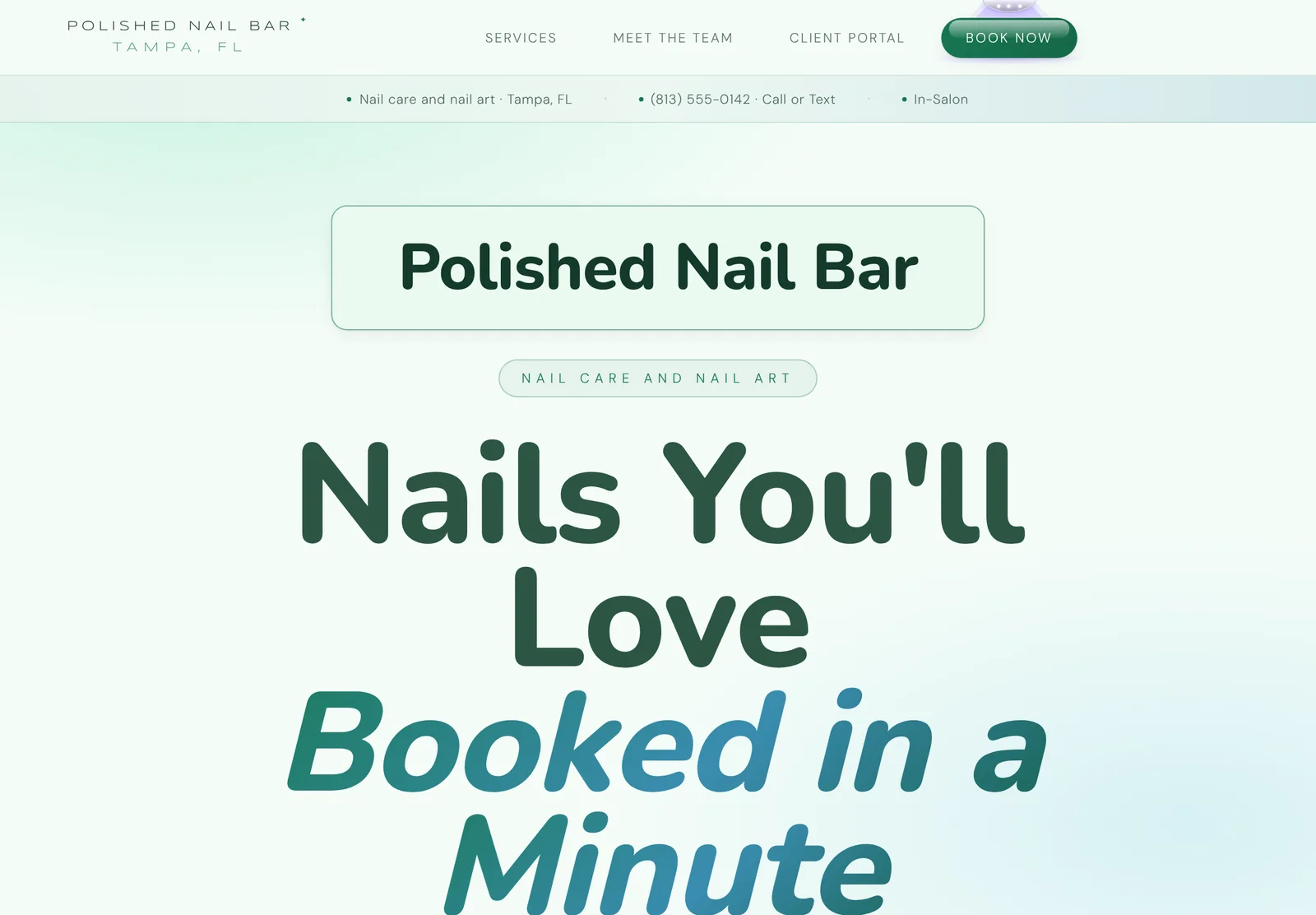
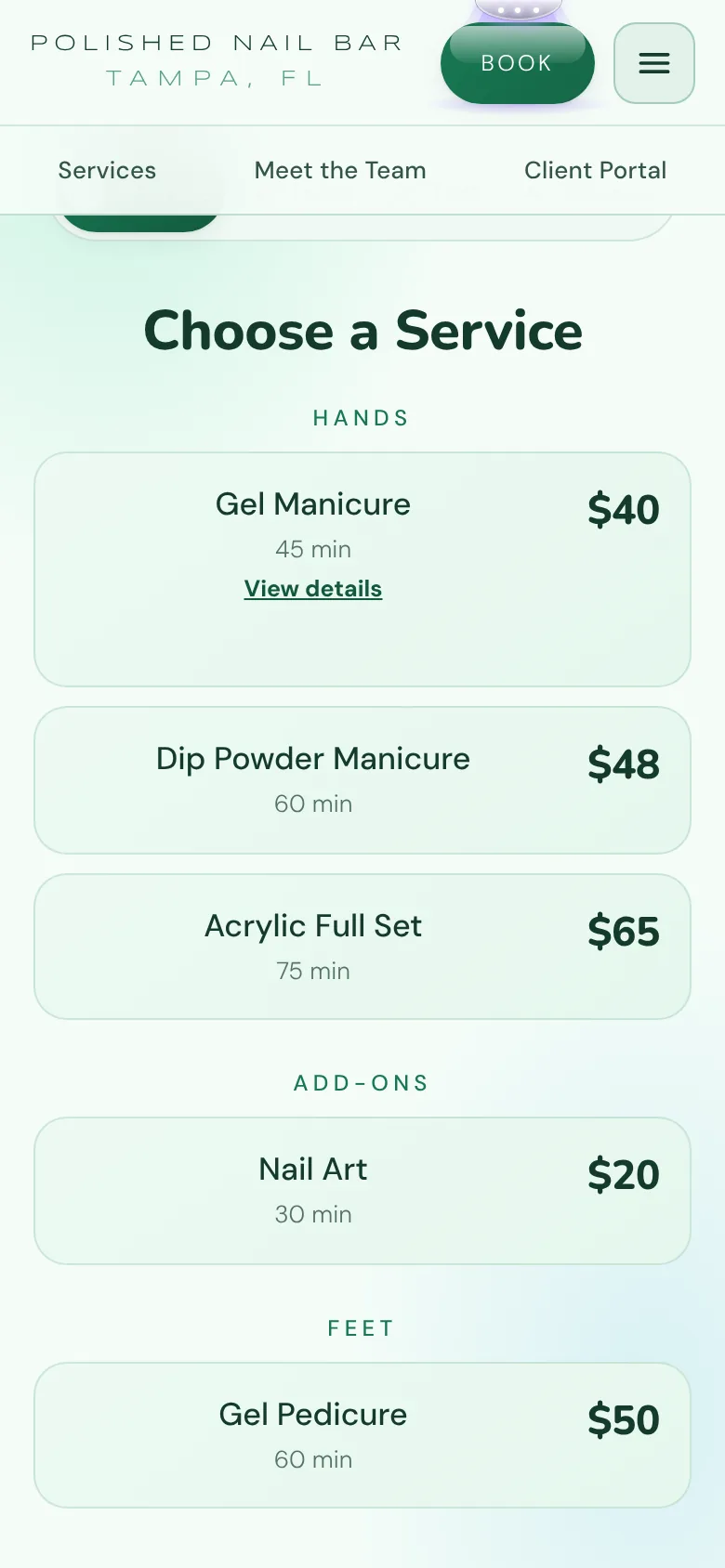
Cosmic Creators is getting ready for its public launch. You can create an account and build your site now. Online card payments go through your own Stripe account.
Pick what you do when you sign up and these switch on in your dashboard. Only you and your team see them, and you can turn any tool off in Settings.
A private record for each visit: what you did, products used, and the details your work needs, like color formulas, nail and lash details, tattoo placement, massage focus or training progress.
A drawing of both hands and feet that changes while you type: the shape (square, squoval, round, oval, almond, stiletto, coffin, lipstick, edge, flare), the length in mm, the color, finish and art of every nail, and which ones broke or lifted since the last set.
Each tech has their own hours, days off and services. Clients pick a tech or "Anyone available."
Set up pedicure chairs, bowls and tables and link them to services. Two visits can never use the same one at once.
Set a commission rate for all services or per service, plus a product rate, or pay by the hour. Reports show it for each tech.
Choose what each tech can see and do, such as only their own bookings and money.
More than 40 themes to start from, then change the colors, fonts and pictures any time. These use made-up businesses, services and prices.
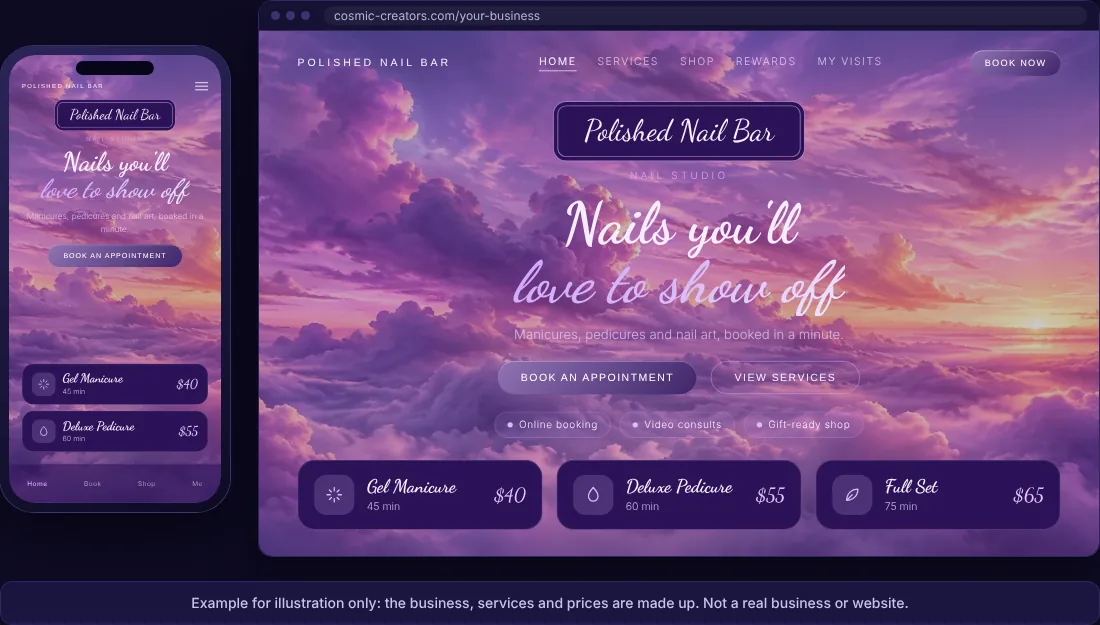
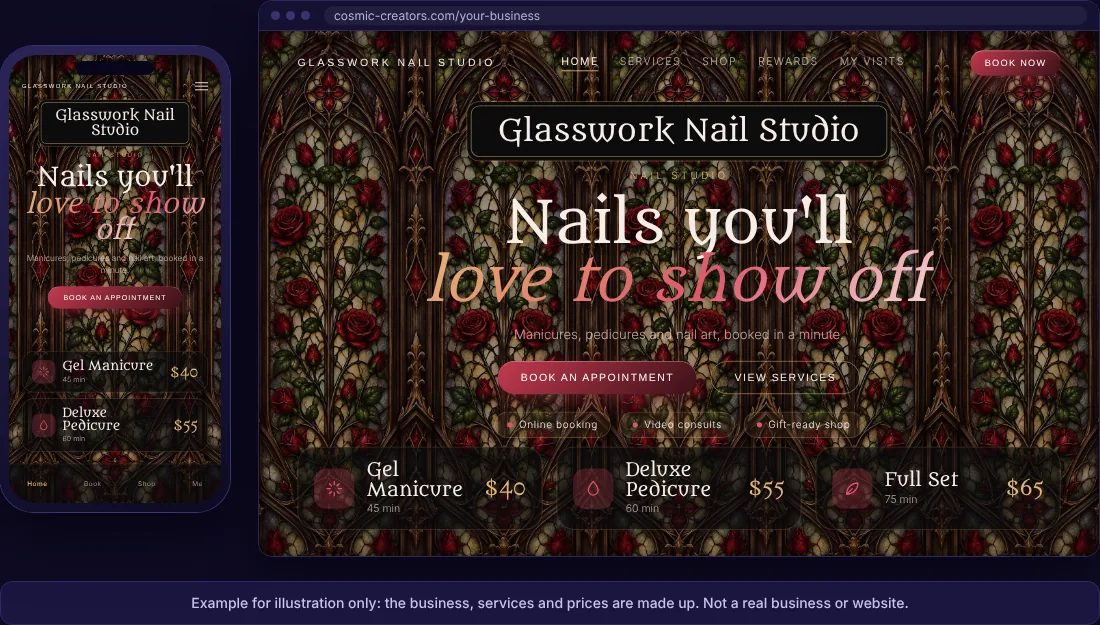
A site at cosmic-creators.com/your-business with a look you choose and change any time.
Clock in and out from the dashboard, with an hours report and a payroll download.
The tech who did a visit signs a cleaning record that cannot be edited later, ready for an inspection.
The Nail Studio tool keeps a nail map per client and sends a nail questionnaire before the first visit.
Sell gift cards in your choice of designs.
Import clients from a spreadsheet, your phone contacts or apps like GlossGenius, Vagaro, Booksy, Square and Fresha.
Cosmic Creators does not handle booth or chair rental billing. What your state board requires is your responsibility, so check the rules where you work.
Your site opens to clients when you choose Go live, once your plan is started and you have agreed to the agreements for your kind of business. Until then you can set everything up in your dashboard.
No. When a service needs a chair or bowl, the database will not let two visits use the same one at the same time.
You set a rate for each tech, for all services or per service, and a product rate. Reports show the totals for any week or month.
Yes. Permissions let you choose what each person can see and do.
Your booking page tells Google and AI tools your business name, town, services, prices and hours. In your dashboard, Analytics → Get Found on Google lists the searches to aim for, such as "nail salon" and "nail tech" with your town, "local" and "near me" searches and "mobile" ones if you travel, and helps you write for them. Where you show up also depends on your Google Business Profile and reviews, so no one can promise a spot.
No. You can take deposits and payments through your own Stripe account, record cash, Zelle, Cash App or Venmo yourself, or take bookings with no payments. card payments go through your own Stripe account.
No. Clients book as a guest from your link. The Client Portal is optional.
Set up your business, pick a look and share your link. Plans, prices and any free trial are always shown on the home page.