
A Booking Website for House Cleaners
Clients book a clean online, enter their address and how to get in, and come back on a schedule, while each cleaner on your team has their own calendar.
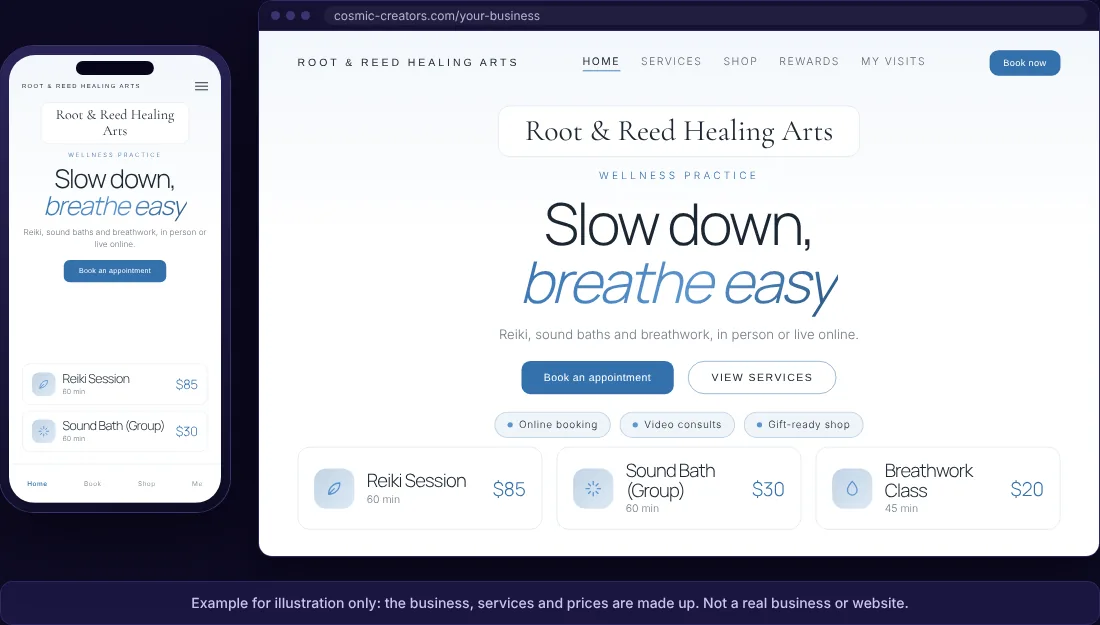
Cosmic Creators is getting ready for its public launch. You can create an account and build your site now. Online card payments go through your own Stripe account.
What Cleaners Need From Online Booking
The Address and How to Get In
Clients enter the street, unit, city, ZIP and a note on getting in while booking, and it shows on the visit.
Recurring Cleans
Book a clean every 1 to 4 weeks, for 2 to 52 visits or until a date, and cancel "this and later" when a client stops.
A Calendar for Each Cleaner
Each person has their own hours and days off, and clients can choose who or "Anyone available."
Time Between Jobs
Add prep and clean-up time to each service so the calendar leaves room to drive to the next home.
Pick a Look
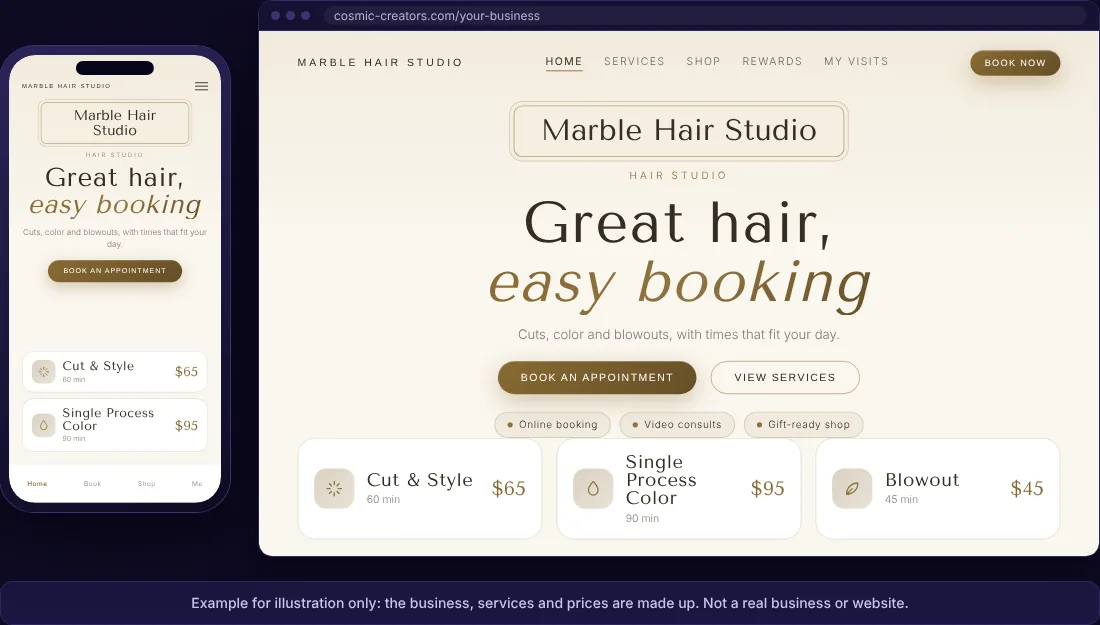
More than 40 themes to start from, then change the colors, fonts and pictures any time. These use made-up businesses, services and prices.
Also Included
Your Own Website
A site at cosmic-creators.com/your-business with a look you choose and change any time.
Deposits
Set a deposit on each service and write your cancellation rules. Clients see them before they book. Card payments go through your own Stripe account.
Email Reminders
A confirmation with a "change or cancel" link, then email reminders the day before and two hours before.
Team Pay and Time Clock
Commission or hourly pay for each person, with a time clock and an hours report.
Reviews
Clients leave reviews that wait for your approval, and approved reviews show on your site. You can bring in your Google reviews too.
Free Ways to Get Paid
Cash, Zelle, Venmo and Cash App cost nothing extra: the client pays you directly and you mark it paid.
What to Know Before You Start
There is no cleaning business type yet: choose "Something else" at sign-up. Quotes, job checklists and invoices are not built. Cosmic Creators keeps the client's address on each home booking, but it does not limit bookings to a service area, add travel fees or work out driving time between visits. Use prep and clean-up time on each service to leave room for the drive.
Getting Started in Five Steps
- Create your account. Sign up with your email and choose "Something else".
- Add your services. Start with a standard clean and a deep clean, each with a length, price and "At the client's home".
- Set your hours. Choose when you take bookings, and add your team if you have one.
- Make it look like you. Pick a theme in the website editor, then change colors, fonts and pictures.
- Share your link. Your site lives at cosmic-creators.com/your-business, and you get a QR code to print or share.
Your site opens to clients when you choose Go live, once your plan is started and you have agreed to the agreements for your kind of business. Until then you can set everything up in your dashboard.
Questions Cleaners Ask
Can I set up a cleaning every two weeks?
Yes. Choose Repeat when you book: every 1 to 4 weeks, for 2 to 52 visits or until a date you choose.
Can I send quotes?
Not yet. Cosmic Creators books priced services; it does not send quotes or invoices.
Can clients leave a note about keys or pets?
Yes. The address step has a "Getting in" note, and every booking has a notes box.
Will people searching "house cleaner near me" find me?
Your booking page tells Google and AI tools your business name, town, services, prices and hours. In your dashboard, Analytics → Get Found on Google lists the searches to aim for, such as "house cleaner" and "cleaning service" with your town, "local" and "near me" searches and "mobile" ones if you travel, and helps you write for them. Where you show up also depends on your Google Business Profile and reviews, so no one can promise a spot.
Do I have to take card payments?
No. You can take deposits and payments through your own Stripe account, record cash, Zelle, Cash App or Venmo yourself, or take bookings with no payments. card payments go through your own Stripe account.
Do my clients need an app or an account?
No. Clients book as a guest from your link. The Client Portal is optional.
Create Your Own Universe
Set up your business, pick a look and share your link. Plans, prices and any free trial are always shown on the home page.