
What’s New at Cosmic Creators
The newest tools for your booking site and dashboard, newest first. Screens are from our example businesses; yours show your own services, clients and photos.
-
Reel Maker
Pick a few photos, videos or reviews, set the order and how long each one shows, add words and music, and the Reel Maker turns them into a short video for your social media. It lives in Social Media → Reels.
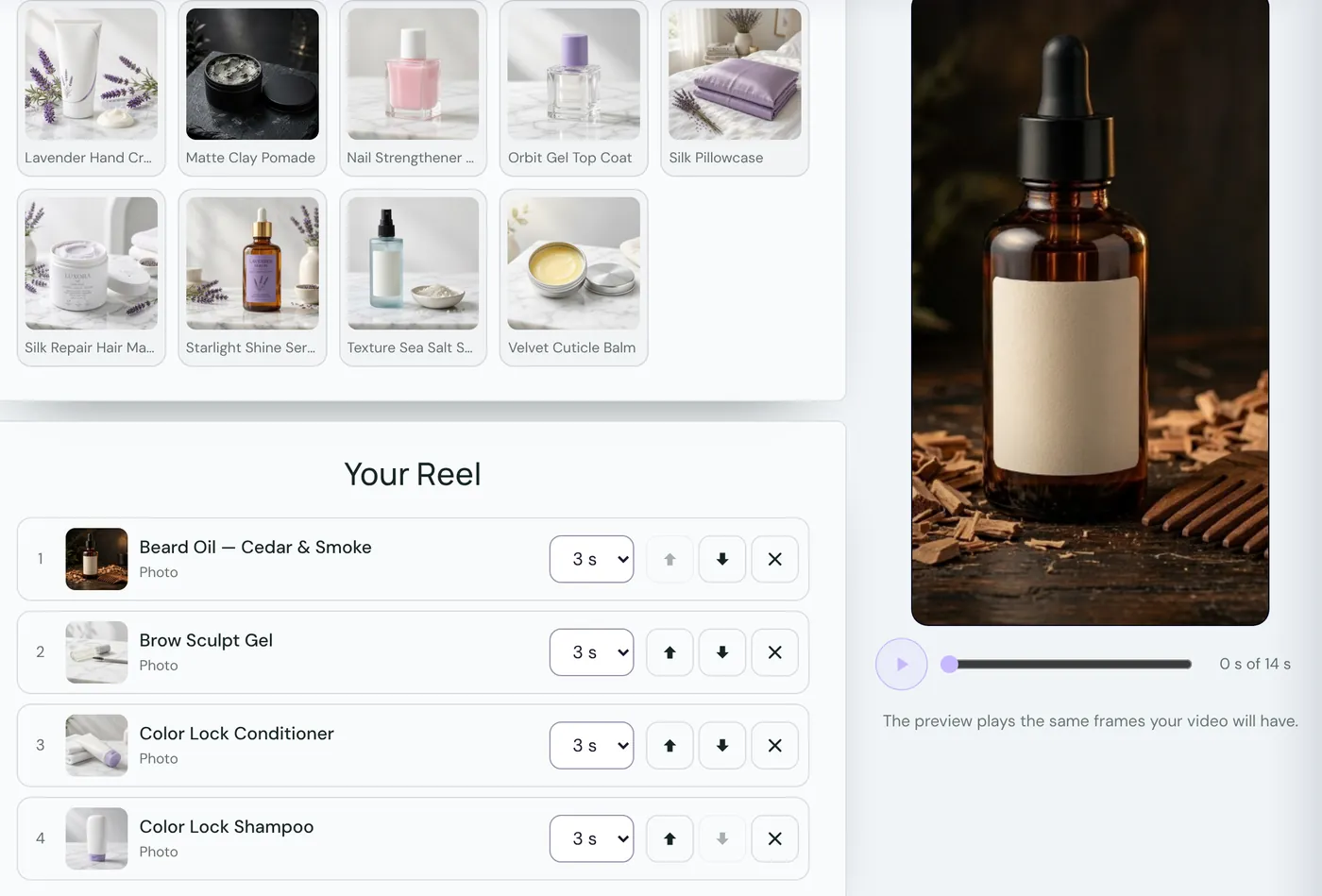
A real screen from our example business. -
Connect Your AI
Write captions, post ideas and replies with a free Google Gemini key, or your own Claude or ChatGPT. Your key is locked on your device with a passcode only you know, so Cosmic Creators can never see it and never charges you for AI.
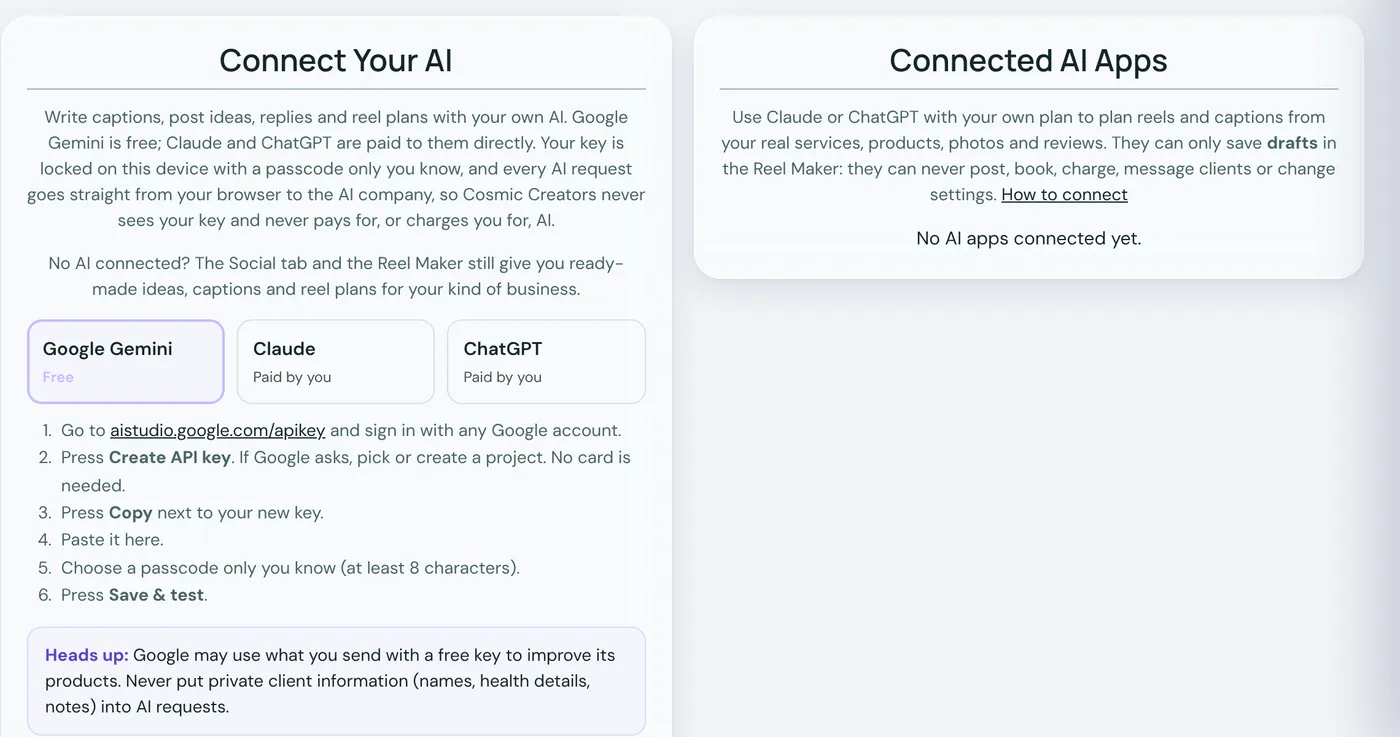
A real screen from our example business. -
Facebook, Instagram and Threads, Plus Go Live
Coming soon, once Meta finishes reviewing our app.Send one post to your Facebook Page, Instagram and Threads at the same time, answer comments from one place, and go live on Facebook from your dashboard.
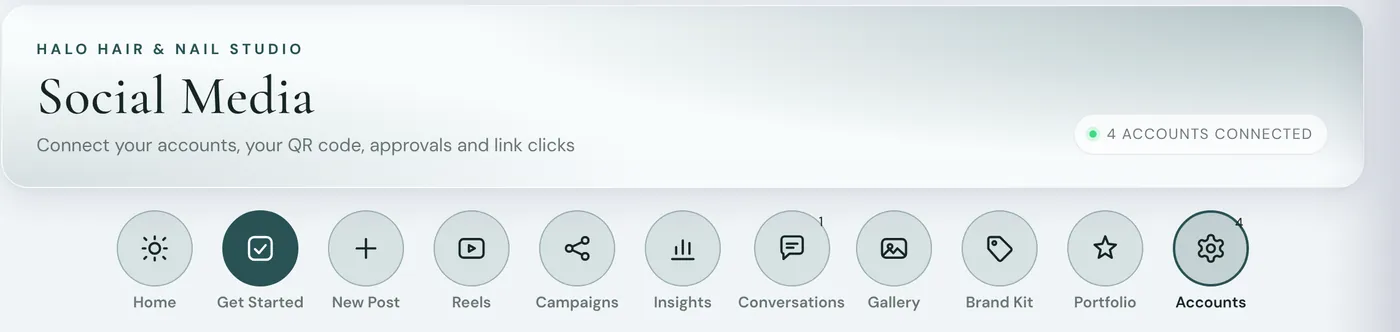
A real screen from our example business, shown before it switches on. -
Missed-Call Text-Back for the Trades
Coming soon. Texting is paused until it is ready.When you miss a call, the caller gets a friendly text right away so the job doesn't go to someone else. Plumbers, electricians, cleaners and other trades can join the early-access list on the trades page.
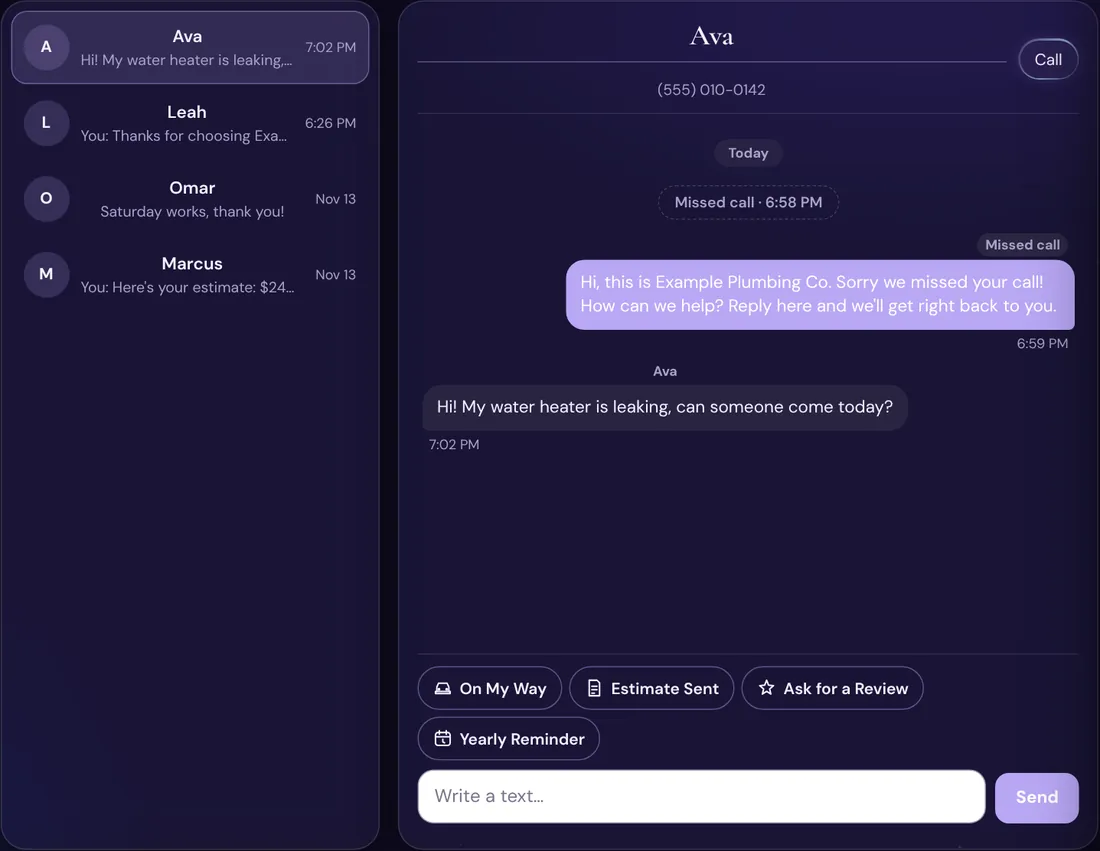
A real screen from our example business, shown before it switches on. -
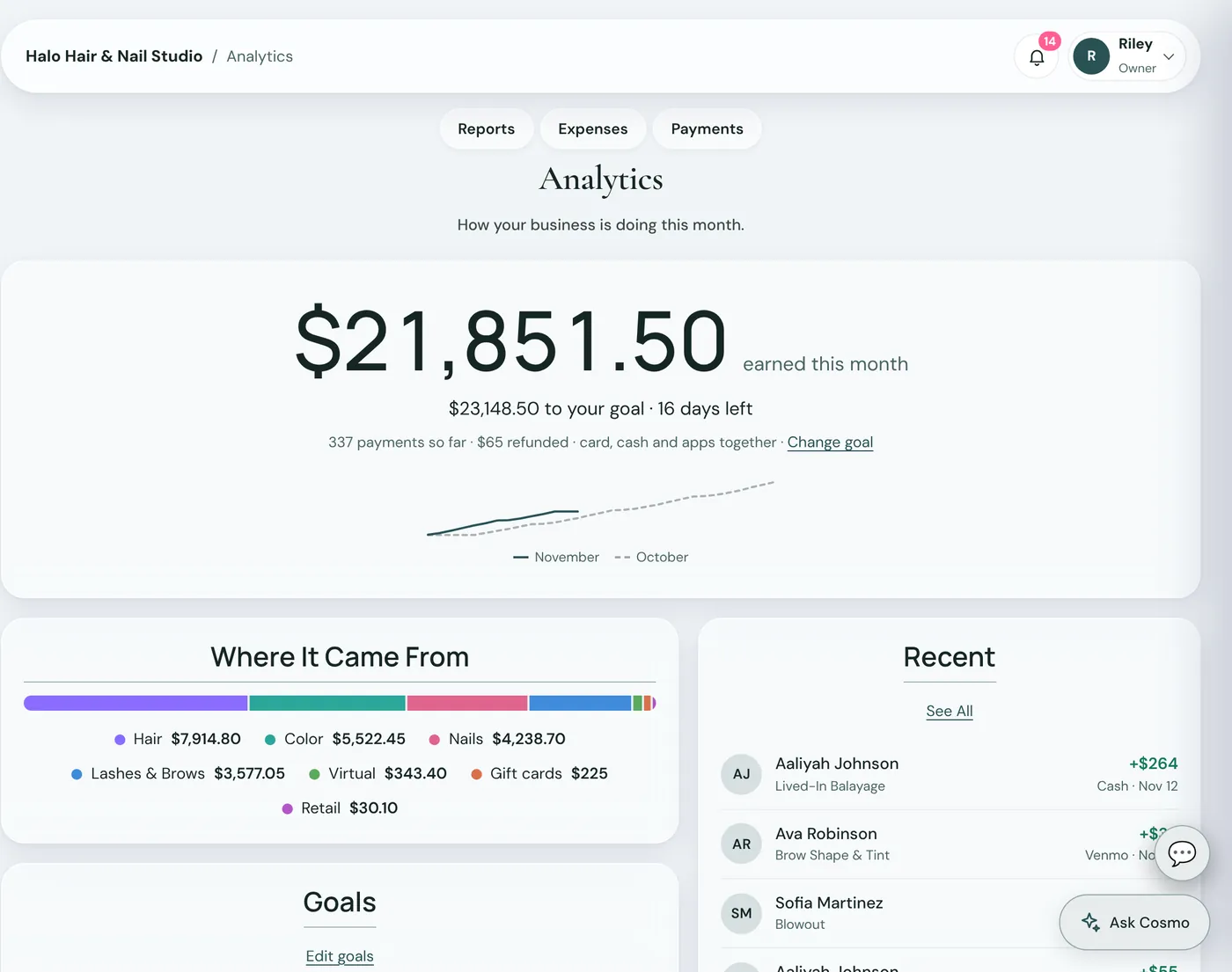
A Simpler Analytics Summary
Analytics now opens with one big number, the money you earned this month, then your goal, where your money came from and your latest payments. The full reports are one tap away.
A real screen from our example business. -
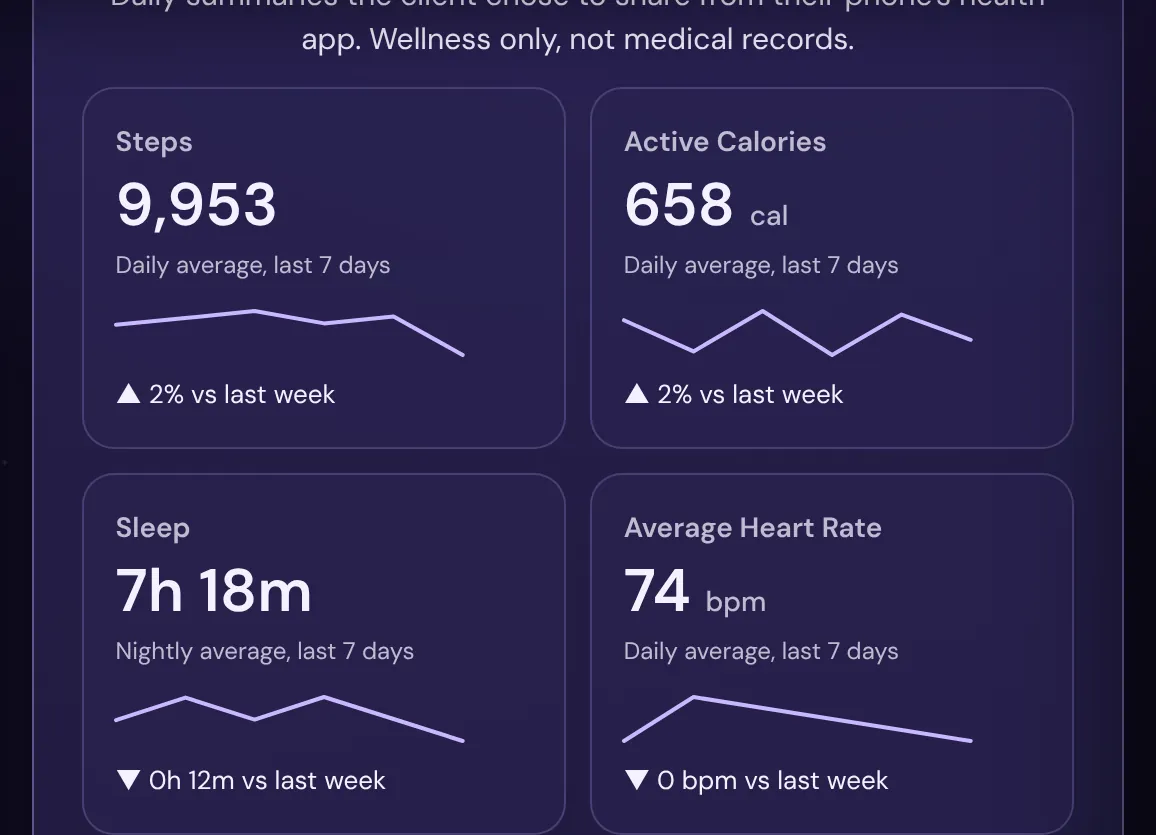
Wellness Tracker
Coming with the next Cosmic Creators app update.For fitness and wellness businesses: clients can choose to share daily summaries from their phone's health app, like steps, sleep and workouts, so you can coach them better. Wellness only, never medical records.
A real screen from our example business, shown before it switches on. -
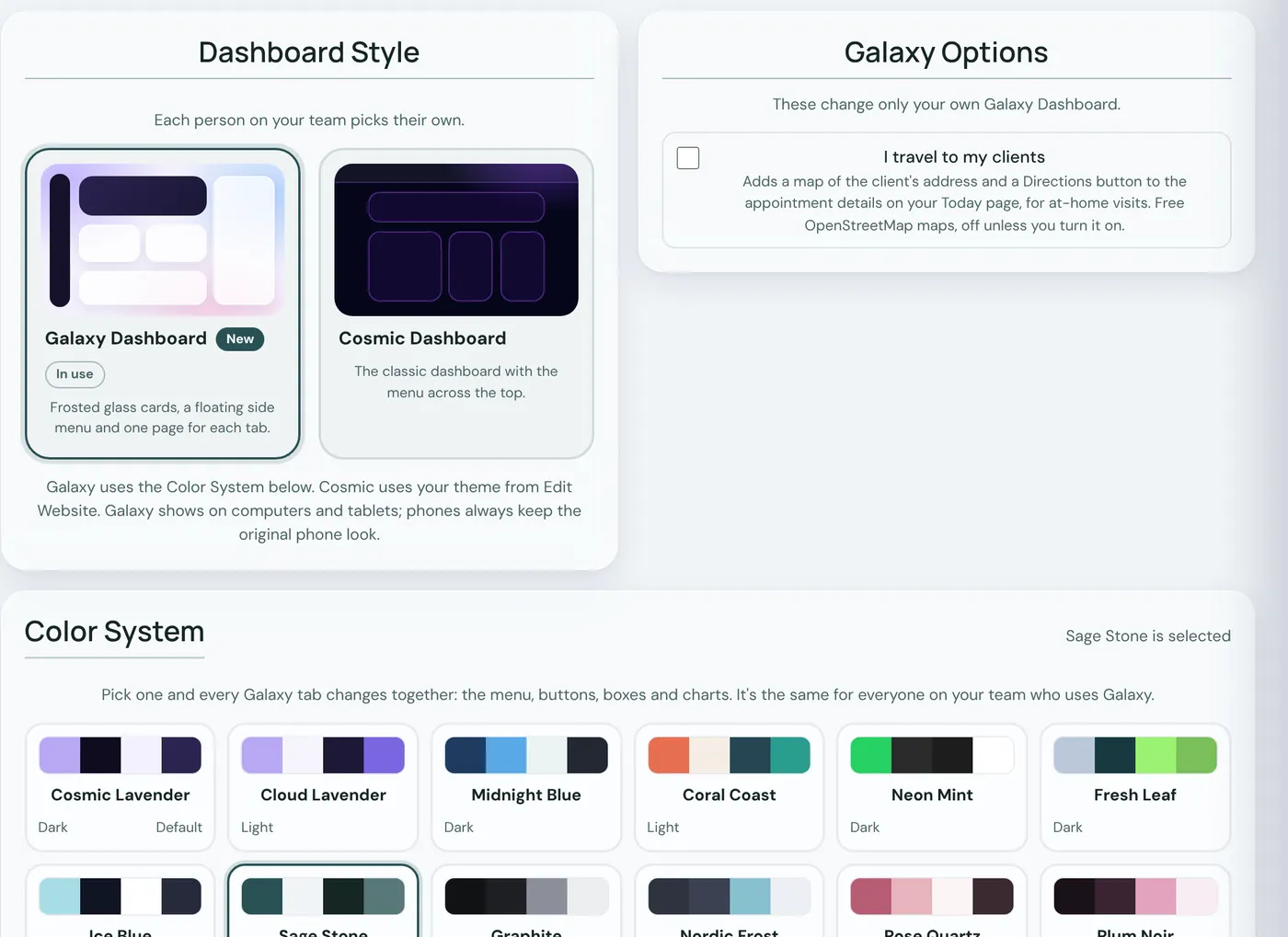
Galaxy Dashboard, in 12 Color Systems
The Galaxy Dashboard has frosted cards and a floating menu. Pick one of 12 Color Systems in Settings → Appearance, and every page changes together. The classic Cosmic Dashboard is still there if you prefer it.
A real screen from our example business. -
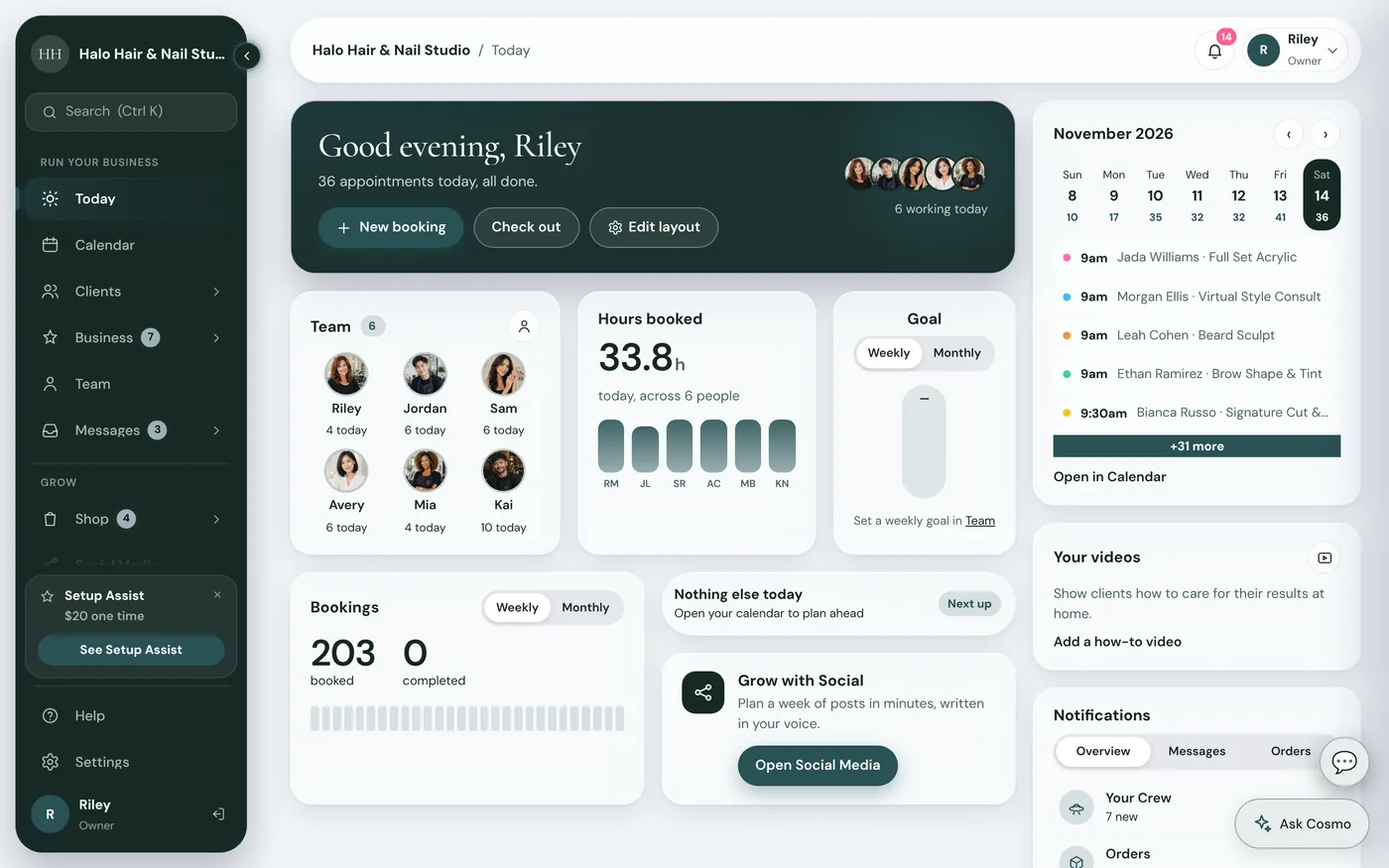
Goal Tracker
Set a weekly or monthly sales goal and watch it fill up on your Today page, with how much is already booked and whether you're on pace.
A real screen from our example business. -
A Blog for Every Business
Write tips and news with photos and videos. Clients read them on your website and in the Client Portal, and can leave comments you approve.
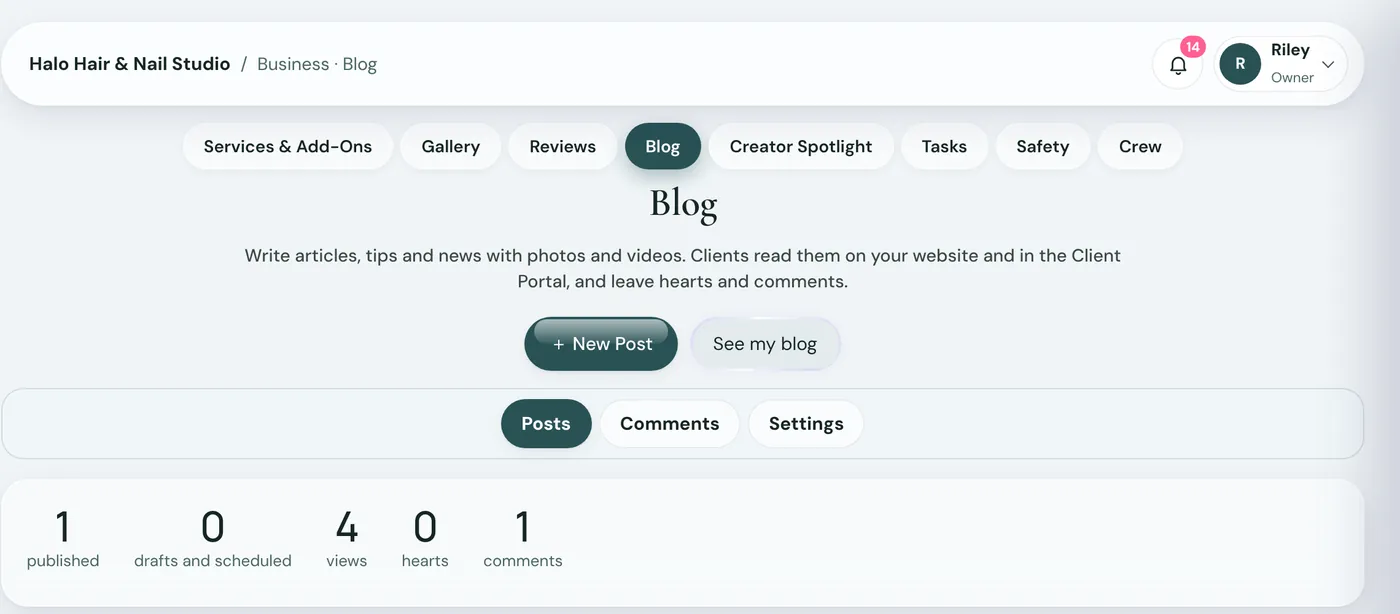
A real screen from our example business. -
Receipts Read for You
Snap a photo of a store receipt and the items, total and date are filled in for you, ready for tax time. You can check and change anything before saving.
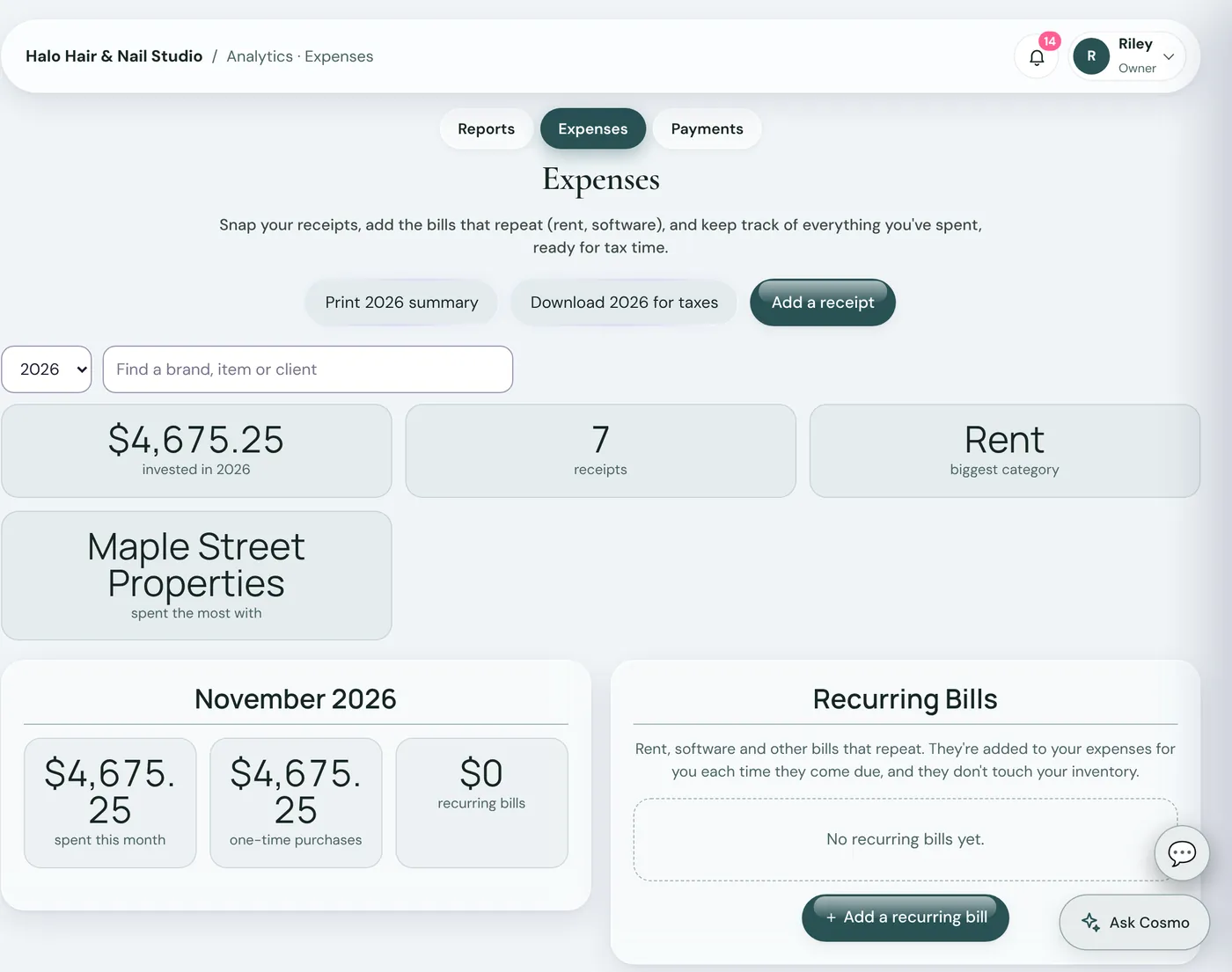
A real screen from our example business.
Try It Yourself
Creating your booking site is free, and you can go live with no card. You have 14 days after going live to choose a plan.